
Text Humanizer: New Free Tool in Geometrika
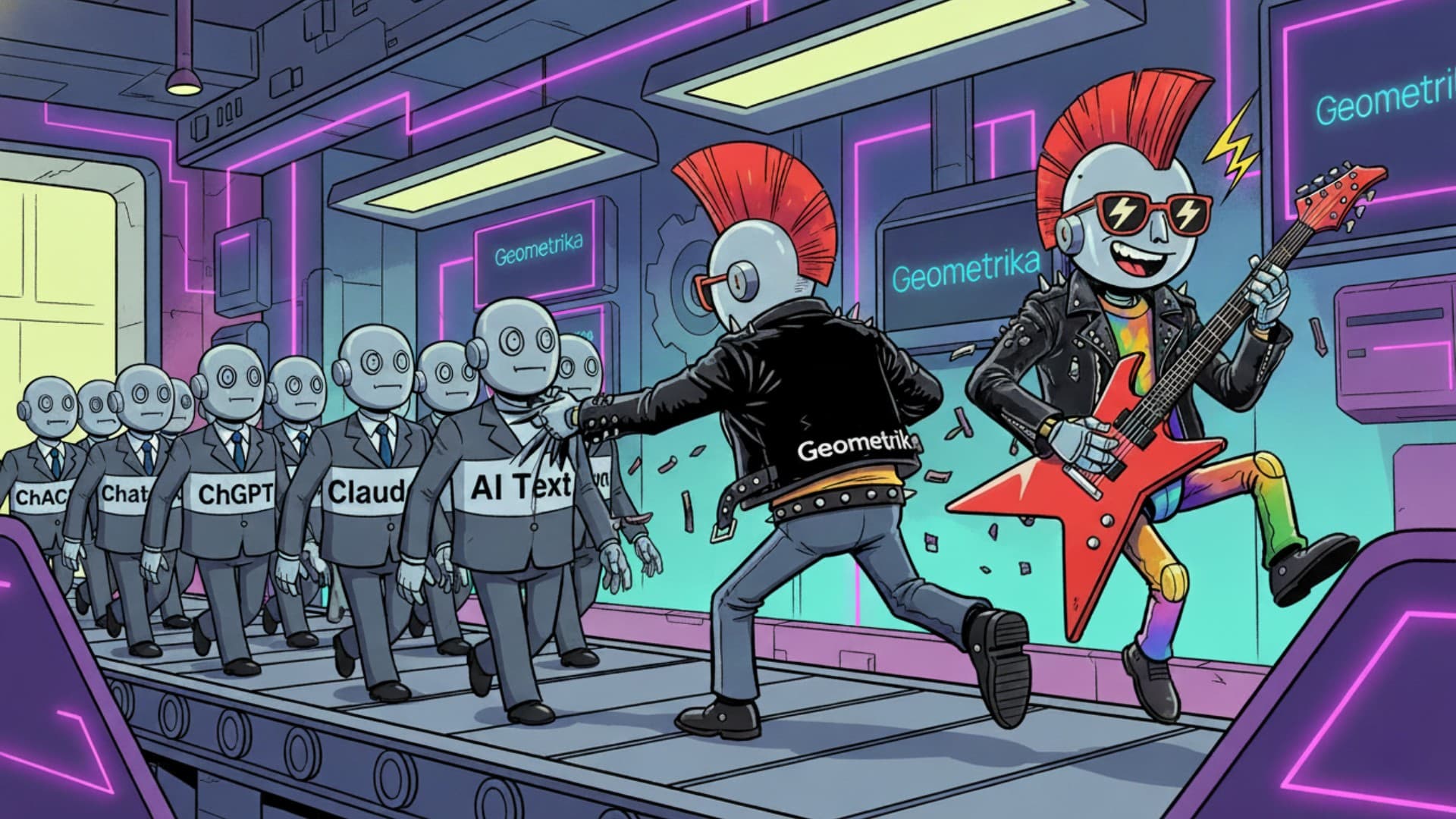
New tool: Text Humanizer. Your personal editor‑terminator for AI text
Tired of plastic, soulless outputs from ChatGPT and other models? Of rough drafts written in a hurry that you’re embarrassed to show to real people?
We’ve added a new tool to Geometrika – Text Humanizer.
It’s your personal digital editor that turns robotic or dry text into natural, human‑style writing.
Completely free. For everyone. It doesn’t burn credits and doesn’t require a subscription.
What exactly is it?
Text Humanizer is a tool that takes raw, robotic text (from an AI, from your own draft – doesn’t matter) and rewrites it so it reads as if a human editor wrote it.
- Without changing facts. Without losing the core message.
- Improving rhythm, flow, and readability.
- Keeping the original language (Russian stays Russian, English stays English, etc.).
- Avoiding extra marketing fluff or fake emotion.
Where’s the magic? In the prompt.
We’re not going to reveal trade secrets, but let’s be honest: what’s inside is not “just a decent prompt”. There’s a real beast under the hood – a master prompt we assembled piece by piece, tested, and refined over months. It’s the result of serious prompt‑engineering work, not a quick “ask ChatGPT to rewrite this”.
That’s why our Humanizer doesn’t just shuffle words around. It understands rhythm, removes “machine” patterns, and makes text smooth while keeping all the substance and terminology.
When do you actually need it?
- To revive AI content. You got a factually solid but “metallic” answer from ChatGPT or Claude? Run it through Humanizer to make it ready for a blog, landing page, or newsletter.
- To polish drafts. You have a working draft (email, article intro, feature description) that needs to sound smoother, without rewriting everything from scratch.
- To kill plastic tone and bureaucracy. You want to remove templated phrases, repetitions, and weird rhythm while keeping all facts and terms.
How to use it
- Open Tools in your project.
- Select “Text Humanizer”.
- Paste your text into the left field.
- Click “Humanize text”.
- Get the result in the right field. Copy and use it wherever you need.
For iterative refinement there is a “Use as new input” button – it moves the result back to the left field so you can run another pass.
Extra goodies
During processing you can enable:
- Replace em‑dash (—) with a regular hyphen (-): to unify typography.
- Normalize quotes: all the curly/straight mix turns into a single, consistent style.
- Remove emojis: cleans the text from decorative noise.
What to keep in mind (limitations)
This is a powerful tool, not a magic wand.
- Preserving meaning comes first. In complex technical or legal texts the tool will act more cautiously so it doesn’t distort the core meaning.
- Very short phrases barely change. If there are 3–4 words in a sentence, there’s often no safe way to rewrite it without losing clarity.
- Result not ideal yet? Run the text again or split a long block into several parts.
Where to find it and how to try
The tool is already available to all Geometrika users.
- Open any project.
- In the left menu, go to Tools.
- Click “Text Humanizer”.
Go try it. The tool is waiting for you in your dashboard.